Dashboard setup
The dashboard is a Next.js 15 app in apps/dashboard. It never talks to Mongo directly and never lets a secret reach the browser: every page is a Server Component, every mutation is a server action, and both call the API's /v1/admin surface with a shared token.
1 Configure the API side
The API only exposes /v1/admin when ADMIN_API_TOKEN is set. Without it the whole surface answers 404 — not 401 — so a deployment with no dashboard does not advertise a locked door.
# .env
ADMIN_API_TOKEN=$(openssl rand -hex 24)    # ≥ 24 chars
ENCRYPTION_KEY=…                            # already set by generate:keys
Restart the API after changing it.
2 Configure the dashboard
The dashboard needs four values, none of which are NEXT_PUBLIC_:
# .env
API_URL=http://localhost:3000        # how the dashboard *server* reaches the API
ADMIN_API_TOKEN=…                    # must equal the API's value
SESSION_SECRET=$(openssl rand -hex 32)
ADMIN_PASSWORD_HASH=…                # see below
INSECURE_COOKIES=false               # true only for plain-http localhost
Generate the bootstrap password hash:
bun run generate:admin-password
# Admin password (not echoed): ********
# ADMIN_PASSWORD_HASH=JGFyZ29uMmlkJHY9MTkkbT0xOTQ1Nix0PTIscD0xJ…
The value is the argon2id hash base64-encoded: the raw hash is full of $ signs, and Bun's .env parser, Compose interpolation and Dokploy's environment tab would each expand them differently. Paste the line as printed; the dashboard decodes it on boot.
The session cookie is Secure by default and browsers drop it over http://. Set INSECURE_COOKIES=true for a local run and never in production.
3 Run it
Under Compose the dashboard is already part of the stack (docker/dashboard.Dockerfile, published on 127.0.0.1:3001) and reaches the API as http://api:3000; docker compose up -d is all there is to it. Behind Traefik, set DASHBOARD_DOMAIN — see Dokploy / Traefik.
Outside Docker:
bun run dev:dashboard         # development, :3001
# or
bun run build:dashboard
bun --filter @opennotification/dashboard start
Open http://localhost:3001.
4 First login (bootstrap)
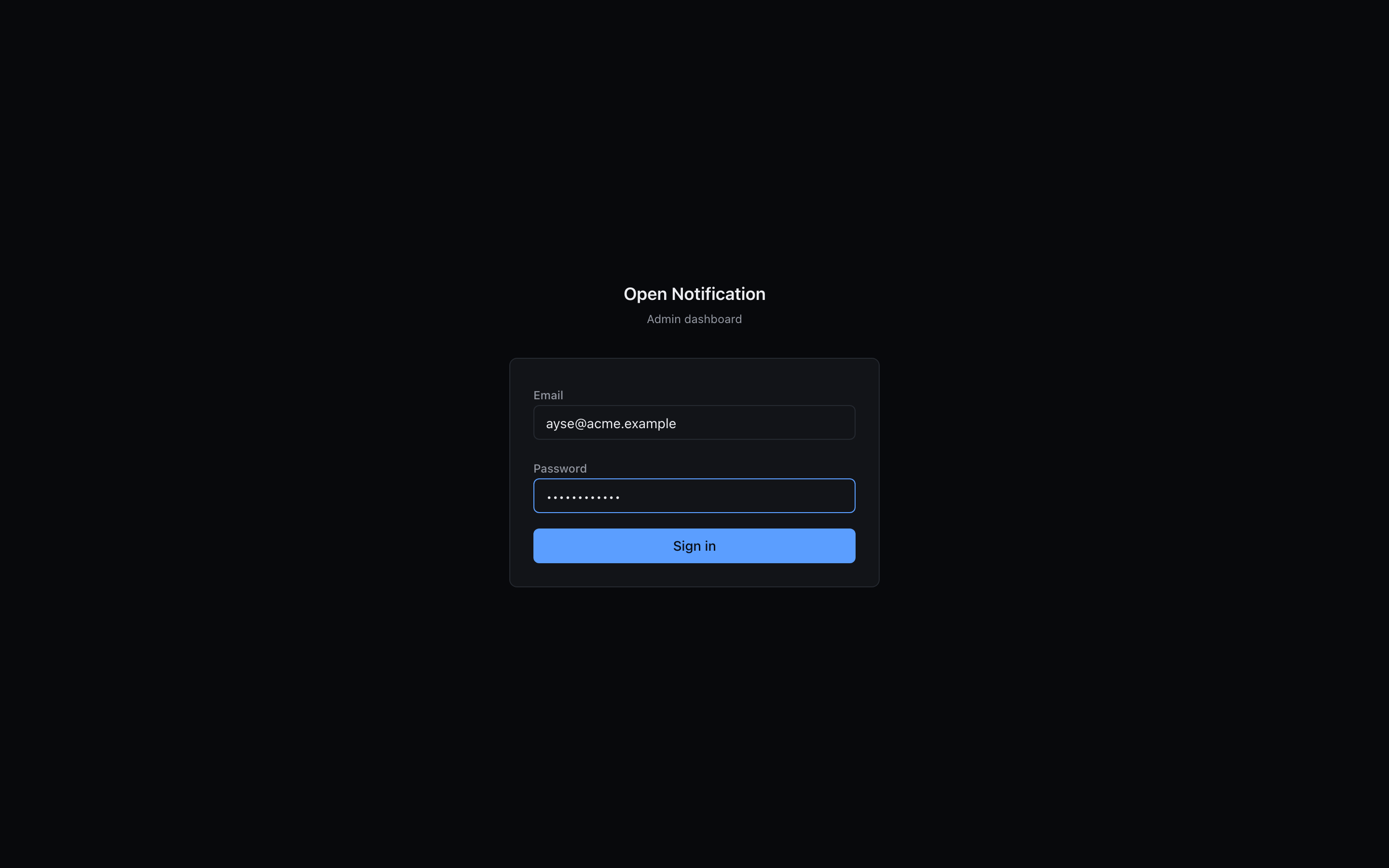
Leave Email empty and enter the bootstrap password you hashed. This path works only while no member accounts exist: it signs you in as an owner so you can invite the real accounts, and it closes itself as soon as the first owner is active.
Go to Members and invite yourself with your e-mail and the owner role. Accept the invite link, set a password — from now on log in with e-mail + password, and the ADMIN_PASSWORD_HASH login is dead. See Members.
Session and security notes
- The session is a signed JSON cookie (
id, email, name, role, apps, exp), 7 days,httpOnly,sameSite=strict. ChangingSESSION_SECRETlogs everyone out — the intended panic button. - Login attempts are throttled per IP on both the dashboard (bootstrap path) and the API (member path).
- Every dashboard mutation reaches the API with
x-admin-actor/x-admin-actor-emailheaders, and the API writes it to the audit log. - The dashboard reads credentials' status only. It cannot display a stored
.p8, service account or VAPID private key — the API never returns them.
Deploying the dashboard
There is no dashboard Dockerfile yet. Build with bun run build:dashboard and run next start under a process manager, behind the same reverse proxy as the API, on its own hostname (e.g. push-admin.example.com). It needs to reach the API over API_URL; that can be the internal address — the dashboard is the only thing that uses it.