Dashboard tour
The dashboard is where operators live: apps, credentials, audience, campaigns, reports, team. It is a server-rendered Next.js app; nothing here is fetched from the browser, and no secret is ever sent to it. Set it up with Dashboard setup.
The dashboard's interface is in Turkish. These pages name each control with its on-screen label in italics next to the English meaning, so you can follow along either way.
Signing in
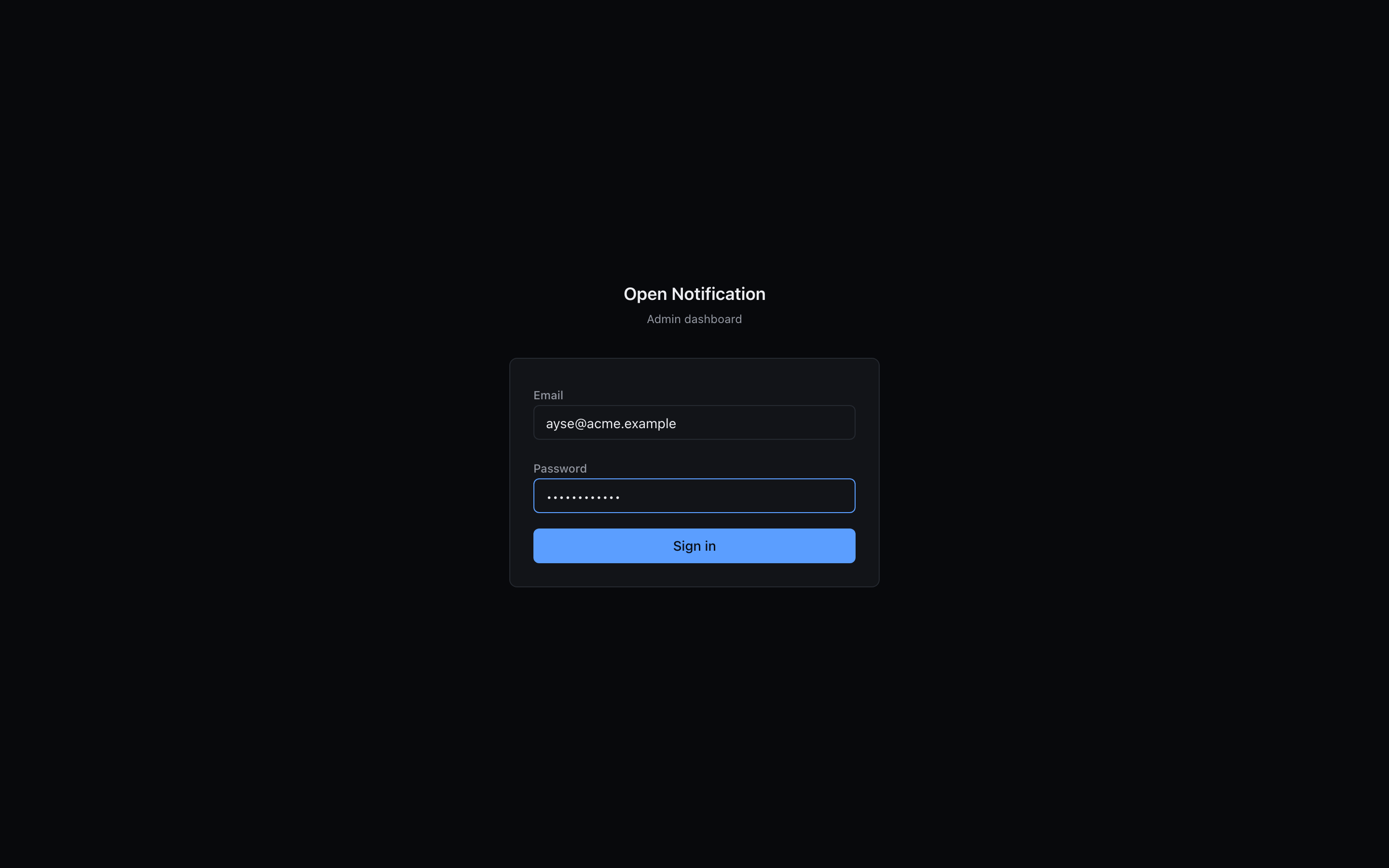
Members sign in with e-mail + password. The e-mail field left empty falls back to the bootstrap password (ADMIN_PASSWORD_HASH) — only while no member accounts exist yet.
Layout
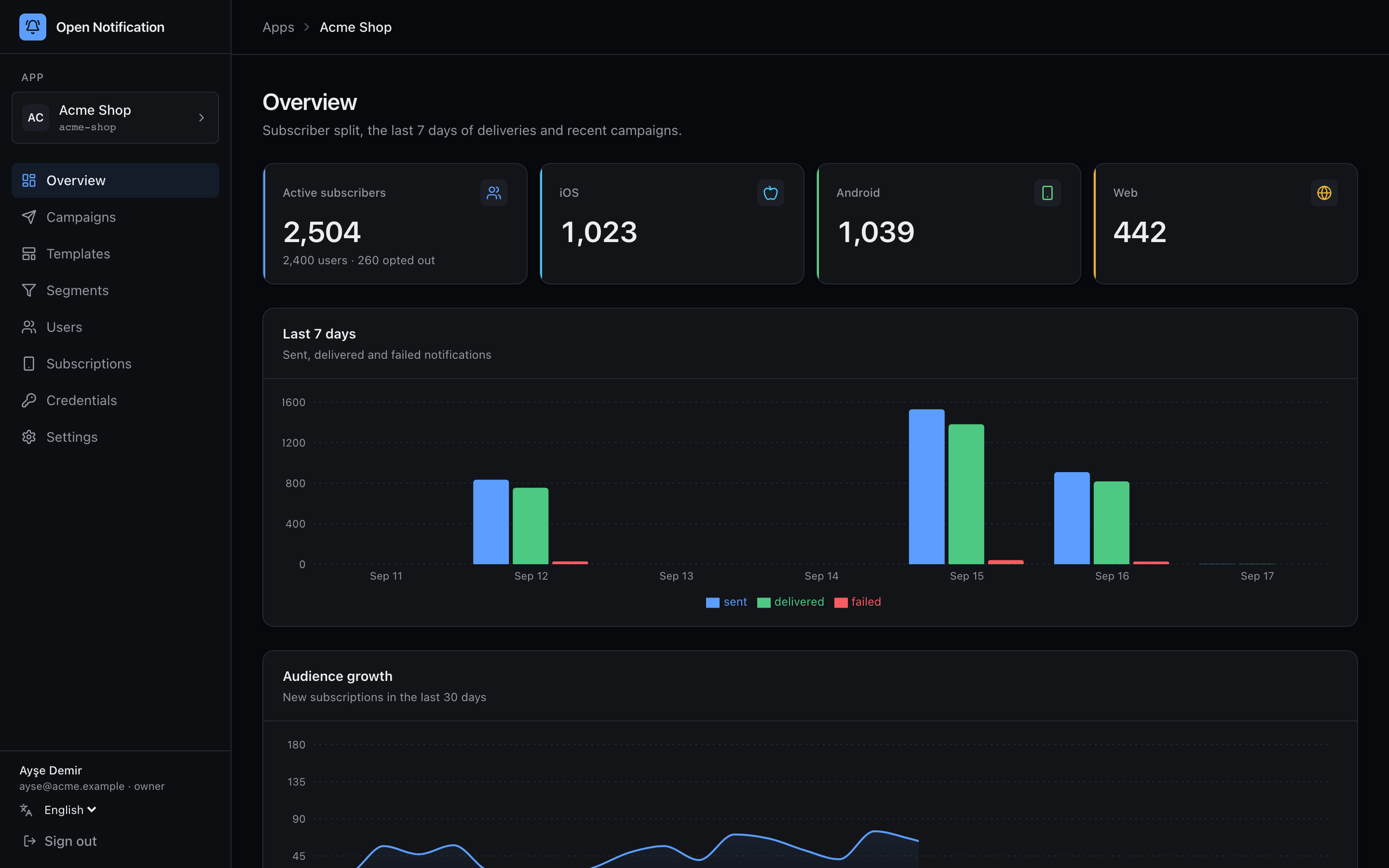
| Area | What it is |
|---|---|
| Sidebar, top | The current app (App) with a link back to the app list. |
| Sidebar, sections | Overview, Campaigns, Users, Subscriptions, and for admins Credentials and Settings. |
| Sidebar, bottom | Who you are, your role, Sign out. |
| Breadcrumbs | Uygulamalar › App › Section. |
Outside an app, the sidebar shows the organisation-level pages: Apps, Members, Audit log.
Sections
| Section | Page | Purpose |
|---|---|---|
| Apps | Apps | Create tenants, see them at a glance, get the one-time API keys. |
| Overview | Apps › Overview | Active subscribers by platform, last 7 days of deliveries, 30-day audience growth, recent campaigns. |
| Credentials | Credentials | Upload the APNs key, FCM service account, generate/configure VAPID. Test each connection. |
| Campaigns | Campaigns | The four-step wizard, the list with statuses, cancel scheduled sends. |
| Report | Campaign report | Funnel, hourly series, platform split, A/B table, failure and skip reasons, CSV export. |
| Users | Users | Search by external id or tag, open a person with all their devices and recent events. |
| Subscriptions | Subscriptions | Device-level list with filters; side panel with the last 10 events. |
| Settings | API keys, Delivery rules, Webhooks | Keys with scopes, frequency cap + quiet hours, signed webhook endpoints. |
| Members | Members | Invite links, roles, app scoping, disable/remove. |
| Audit log | Audit log | Every mutation made from the panel, by whom. |
Roles
| Role | Sees | Can |
|---|---|---|
| owner | everything | everything, including managing other owners |
| admin | everything | everything except owners: apps, credentials, keys, members |
| editor | overview, campaigns, users, subscriptions | send campaigns, edit users |
| viewer | overview, campaigns, users, subscriptions | read only |
A member can additionally be scoped to a list of apps; pages for other apps answer 404 for them. Role checks run in server actions, not just in the UI — a hand-crafted request is refused the same way.
Conventions you will notice everywhere
- Lists page by cursor, newest first. There is no "page 37"; use the filters.
- Secrets are shown once. API keys, webhook secrets and invite links appear in a dialog exactly once. Afterwards a key is only recognisable by its last four characters.
- Nothing sensitive comes back. The credentials page shows "configured, last updated" — never the
.p8or the private key. - Dates are shown in your browser's timezone; the API stores UTC.