Delivery rules
Settings › Delivery rules. App-wide guard-rails applied per push in the worker, so they hold even for a campaign fanned out a minute before you changed them. Mechanics and edge cases are in Features › Delivery rules.
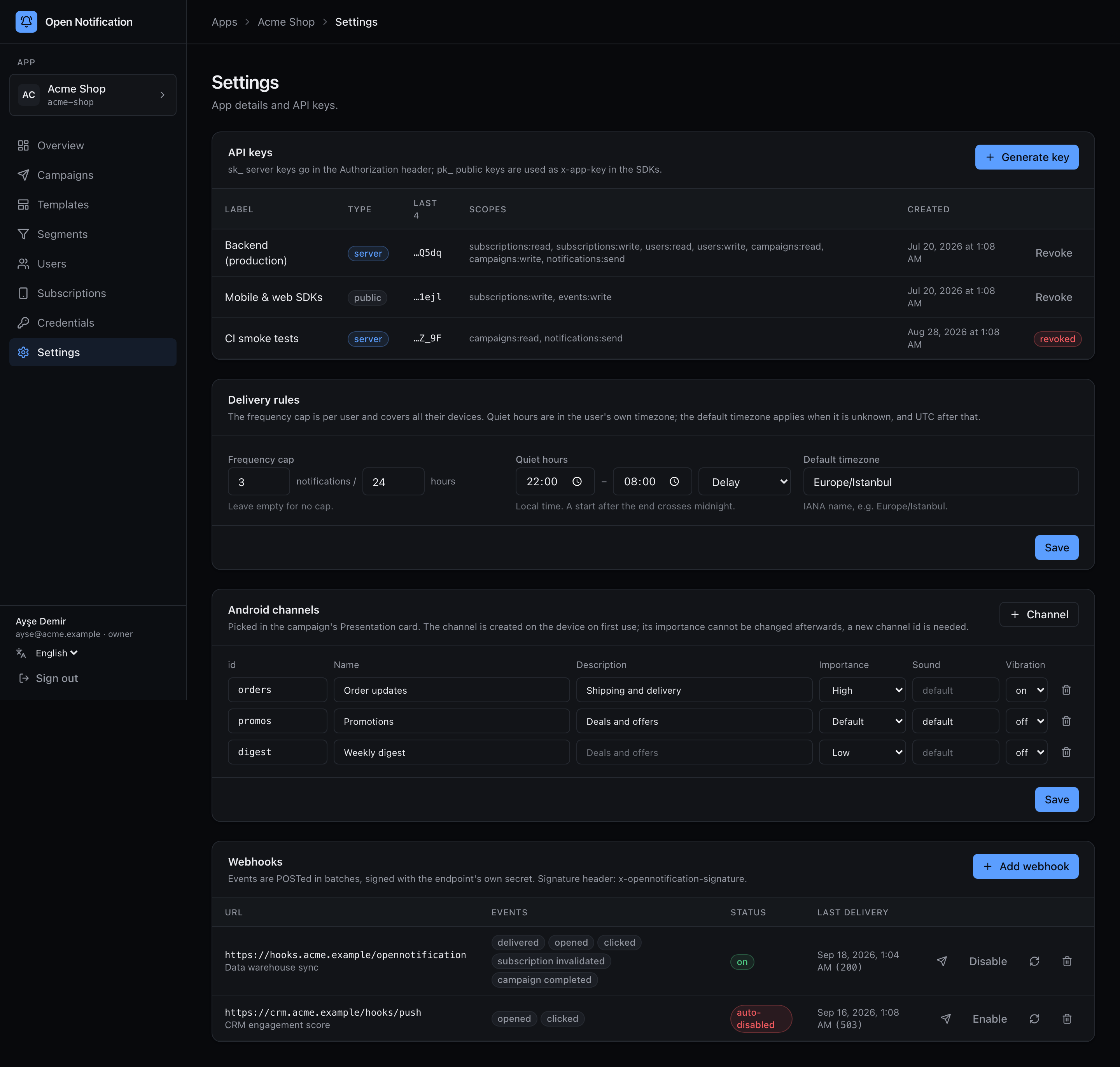
Frequency cap
N bildirim / M saat: at most N pushes per user (all of their devices together, across every campaign) in any rolling M-hour window. Leave blank for no cap. A push over the cap is recorded as skipped with reason frequency_cap and shows in the report's skip table.
Quiet hours
A start and end wall-clock time, evaluated in the subscriber's timezone. Start after end spans midnight (22:00–08:00). Behaviour:
| Delay | The push is re-queued for the end of the window. At most three deferrals; then it is skipped. |
| Skip | Dropped and recorded as skipped / quiet_hours. |
Default timezone
An IANA name (Europe/Istanbul). Used for quiet hours and user's local time scheduling when a subscriber has no timezone of their own (the SDKs always send one; imported or API-created users may not). Blank means UTC.
Android channels
The same settings page holds the app's Android notification channels.
Bypass per campaign
The wizard's Advanced section and the API's bypass: { frequencyCap, quietHours } turn either rule off for one send. Use it for the things that must arrive now — password resets, order updates — and nothing else.
Saving writes delivery.update to the audit log.